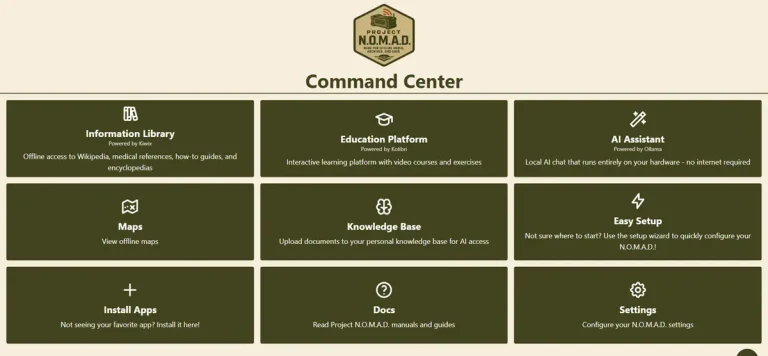
Project NOMAD runs on a surprisingly wide range of hardware – from a $200 refurbished office PC to a purpose-built machine with a dedicated GPU. But the gap between those two options is not just price. It is the difference between basic offline knowledge access and a fully capable local AI system with conversational response speeds.
This page covers what hardware actually matters for running NOMAD, what the official recommendations are, and where real community builds land on the benchmark leaderboard.
The Core Requirements
Project NOMAD requires an x86 Linux machine running Ubuntu 22.04 or newer, or Debian 12 or newer. That rules out Raspberry Pi, ARM devices, and macOS. Windows users can run NOMAD through WSL2, though that is a community-supported path rather than an officially tested configuration.
Beyond the operating system, here is the hardware that actually drives NOMAD performance. The official Project NOMAD hardware page organizes recommendations by price tier based on real community leaderboard data – the breakdowns below pull directly from that.
Processor – almost any modern x86 CPU is sufficient for the knowledge library, maps, and education modules. Where the CPU matters more is in supporting the integrated GPU – AMD’s Ryzen 7 and Ryzen 9 processors with integrated Radeon graphics are the community sweet spot specifically because of what the iGPU does for AI inference.
RAM – 16 GB is the practical minimum. 32 GB is the recommended target, and it is where most well-configured builds land. More RAM means the system can keep more content and model weights in memory without swapping to disk.
Storage – the official recommendation is 1 TB. A full install with English Wikipedia including images (125 GB), global maps (roughly 125 GB), Khan Academy content, and AI model files adds up quickly. A 500 GB drive works for more selective content choices. A 1 TB NVMe SSD is the comfortable baseline.
GPU – this is the hardware decision that has the biggest impact on AI performance, and it is where most of the interesting variation between builds exists.
Three Hardware Tiers – What They Deliver
The official NOMAD hardware page organizes recommendations into three tiers based on real community leaderboard data. Here is what each tier actually looks like in practice.
Budget Tier: $150 – $300
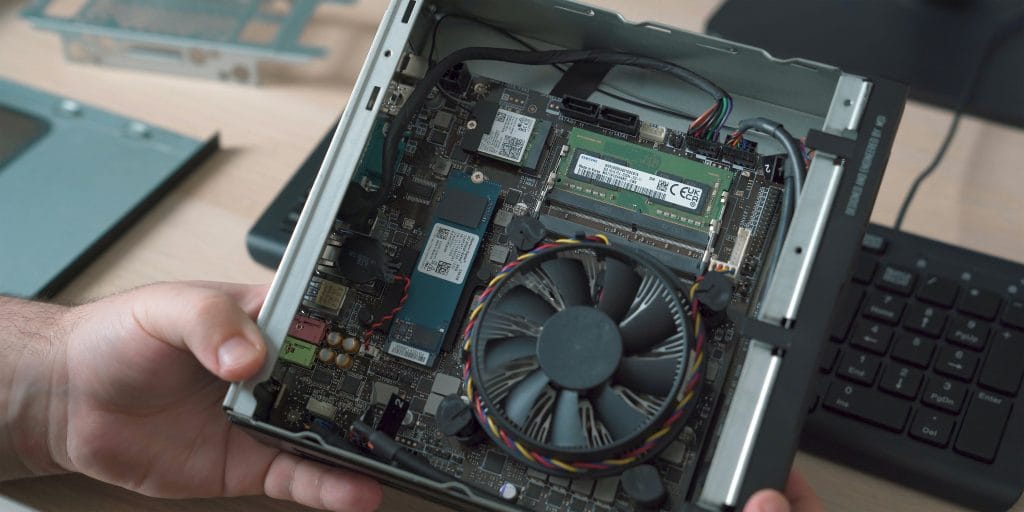
Target hardware: Refurbished enterprise mini PCs – Dell OptiPlex Micro, Lenovo ThinkCentre Tiny, HP EliteDesk Mini. These come off corporate leases in large numbers and sell at significant discounts with Intel Core i5 or i7 processors (8th generation and newer), 16 to 32 GB of DDR4 RAM, and integrated Intel graphics.
NOMAD Score range: 15 – 40
What works well: Everything except demanding AI. Full Wikipedia, offline maps, Khan Academy, medical references, and survival guides all load from local storage and run at full speed on this hardware. If the primary use case is offline knowledge access rather than AI conversations, budget hardware handles it without issue.
Where the limits show: AI inference on CPU-only or integrated Intel graphics hardware tops out at roughly 5 to 20 tokens per second with 1 to 3 billion parameter models. That is functional for simple Q&A but noticeably slow for back-and-forth conversation. Larger models run poorly or not at all.
One practical advantage: DDR4 systems are significantly cheaper to buy and upgrade than DDR5. A refurbished DDR4 mini PC often ships with RAM already installed, which sidesteps current DDR5 pricing entirely.
Recommended Tier: $500 – $800
Target hardware: AMD Ryzen 7 or Ryzen 9 mini PCs with integrated Radeon graphics – the 780M, 890M, or newer 8060S. Minisforum, Beelink, and similar compact PC manufacturers produce purpose-built machines in this category.
NOMAD Score range: 80 – 95
What makes this tier different: The AMD Radeon integrated GPUs in these processors are genuinely capable AI inference hardware. The Radeon 780M and 890M have dedicated compute resources that Ollama can use for model inference – unlike integrated Intel graphics, which NOMAD does not GPU-accelerate. The result is a system that runs 3 to 8 billion parameter models at 30 to 55 tokens per second without a discrete GPU card.
Real benchmark data from the official NOMAD hardware page:
- Minisforum AI X1 Pro (Ryzen AI 9 HX 370, Radeon 890M, 64 GB DDR5): NOMAD Score 87, AI speed 51.7 tokens/sec
- Minisforum UM890 Pro (Ryzen 9 PRO 8945HS, Radeon 780M, 64 GB DDR5): NOMAD Score 75, AI speed 57.2 tokens/sec
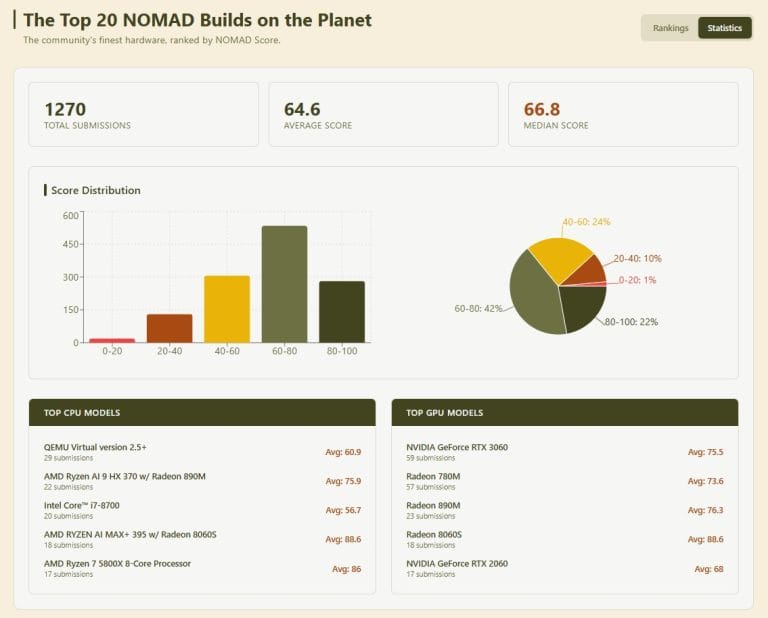
Across 57 community submissions, the Radeon 780M averages a NOMAD Score of 73.6. The Radeon 890M averages 76.3 across 23 submissions. The newer Radeon 8060S, found in Ryzen AI MAX+ 395 builds, averages 88.6 across 18 submissions.
This is the most common hardware category on the community leaderboard and represents the practical sweet spot for most NOMAD users. Over 1,270 builds have been submitted to the NOMAD Benchmark leaderboard – the Radeon iGPU category consistently dominates the 75 – 90 score range.
RAM note: DDR5 prices are elevated as of mid-2026. A 32 GB DDR5 kit runs $360 to $440. Buying a preconfigured mini PC with RAM already installed is often cheaper than sourcing components separately.
Power Tier: $1,000+
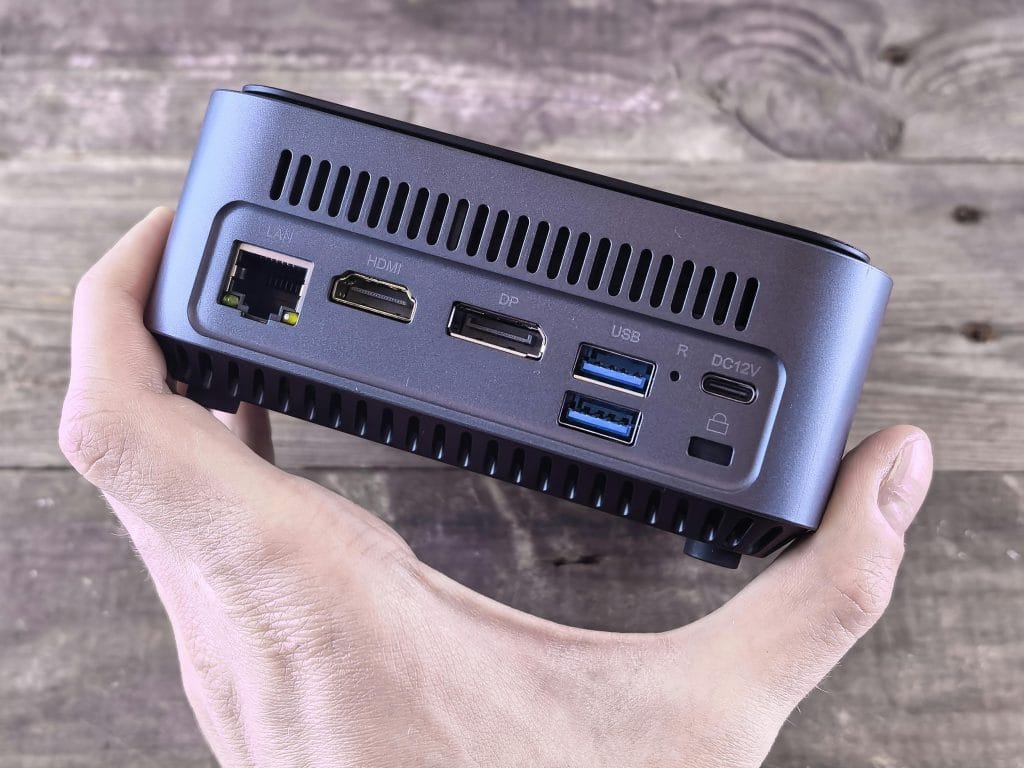
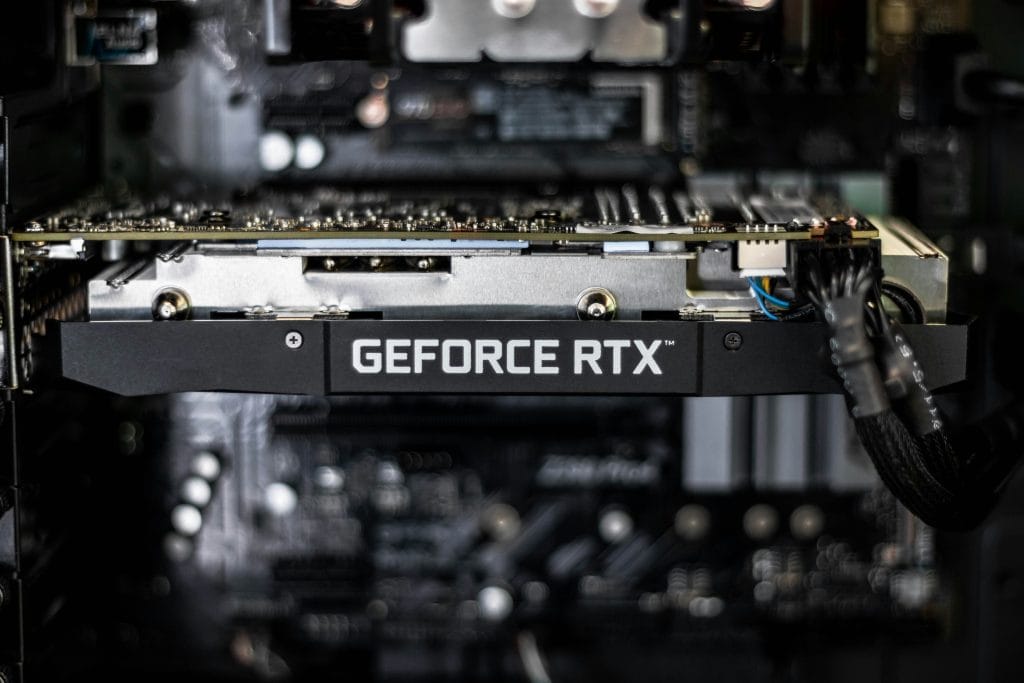
Target hardware: Desktop PC or mini PC with an eGPU enclosure, running a dedicated NVIDIA GPU. The RTX 3060 12 GB is the entry point, the RTX 3090 24 GB is the best VRAM-per-dollar option for larger models, and RTX 50-series cards (5060, 5070 Ti) represent the current mid-range sweet spot.
NOMAD Score range: 85 – 100+
What changes with a discrete GPU: Everything in the AI layer. The official NOMAD documentation notes that GPU-accelerated builds typically reach 100+ tokens per second compared to 10 to 15 on CPU-only hardware. The Minisforum MS-02 Ultra (Core Ultra 9 285HX, RTX 5060 8 GB, 64 GB DDR5) scores 90.1 on the NOMAD Benchmark and runs AI at 281.5 tokens per second.
VRAM matters more than raw GPU speed: The amount of video RAM determines what model sizes you can load. The RTX 3060 with 12 GB VRAM runs 7 billion parameter models at high speed. The RTX 3090 with 24 GB VRAM opens up 13 billion parameter models and larger. More VRAM generally matters more than higher GPU clock speeds for this use case.
GPU pricing context: As of mid-2026, a used RTX 3060 runs $200 to $300. A used RTX 3090 runs $700 to $1,000. New RTX 50-series cards start around $550. GPU prices have been elevated; used cards offer better value for NOMAD builds where raw gaming performance is irrelevant.
Important: Project NOMAD currently auto-detects and accelerates NVIDIA GPUs through the NVIDIA Container Toolkit. AMD discrete GPU support has been a point of ongoing development – the official site lists integrated AMD Radeon as supported but notes NVIDIA for discrete GPU acceleration. Verify current AMD discrete GPU support status on the official NOMAD documentation before purchasing a non-NVIDIA discrete card.
The GPU Question in Plain Terms
For people who want to understand the AI performance gap without the spec sheet:
Running AI inference without a GPU is like running water through a garden hose. It works, the water gets there, but the flow is limited. A dedicated GPU – or a capable integrated one like the AMD Radeon 780M – is more like opening a fire main. The same water, dramatically more throughput.
Tokens per second is the practical measure. At 10 tokens per second, a 100-word response takes about 70 seconds to generate. At 50 tokens per second, that same response appears in around 14 seconds. At 200+ tokens per second, it feels instantaneous. The content of the AI response does not change based on hardware – the speed at which it arrives does.
Storage Planning
One area where people underestimate requirements is storage. Here is what a full install actually uses:
- English Wikipedia with images: approximately 125 GB
- Global map coverage: approximately 125 GB
- Khan Academy and education content: varies by selection, typically 20 – 60 GB
- AI model files: 4 to 8 GB per model, depending on parameter count and quantization
- NOMAD system files and database: under 10 GB
A 1 TB drive is comfortable for a well-stocked install. A 500 GB drive works if you are selective – text-only Wikipedia is significantly smaller, and downloading maps for specific regions rather than globally saves substantial space. The NOMAD setup wizard shows a storage bar as you select content, so you can see exactly where you stand before committing to downloads.
Power and Off-Grid Considerations
A mini PC draws 15 to 65 watts depending on load – well within the range of solar and battery setups. For genuinely off-grid use, the hardware chain is: solar panel and battery system, UPS for surge protection, mini PC running NOMAD, and a WiFi access point or router so other devices can connect. The NOMAD server itself only needs Ethernet to the router – it does not need internet access once content is downloaded.
A desktop with a discrete GPU draws significantly more power, typically 200 to 400 watts under load. That is worth factoring in for off-grid or power-constrained scenarios.
The Pre-Built Option
Building a NOMAD system from scratch means sourcing hardware, installing Linux, running the install script, choosing content, downloading it (which can take hours for a full Wikipedia and maps install), and verifying AI performance. For technically comfortable users that is a manageable afternoon. For everyone else it is a real barrier.
Personal Codex builds NOMAD appliances to order on hardware that matches the tiers above. The Codex Standard is built on AMD Ryzen 7 Zen 4 hardware with Radeon 780M or 890M integrated graphics – the recommended tier hardware that consistently scores in the 80 – 95 range on the NOMAD Benchmark. It arrives configured, content loaded, and benchmarked, ready to connect to your existing router.
For a full breakdown of how NOMAD hardware performance is measured, the NOMAD Benchmark Score page covers the scoring system in detail.